
AI pose changerChange the pose.
Keep you.
Change the pose in any photo of yourself. Pick a pose you love, or copy one from any picture, and PoseMaker makes a new shot of you in it. Same face, same outfit, same background.
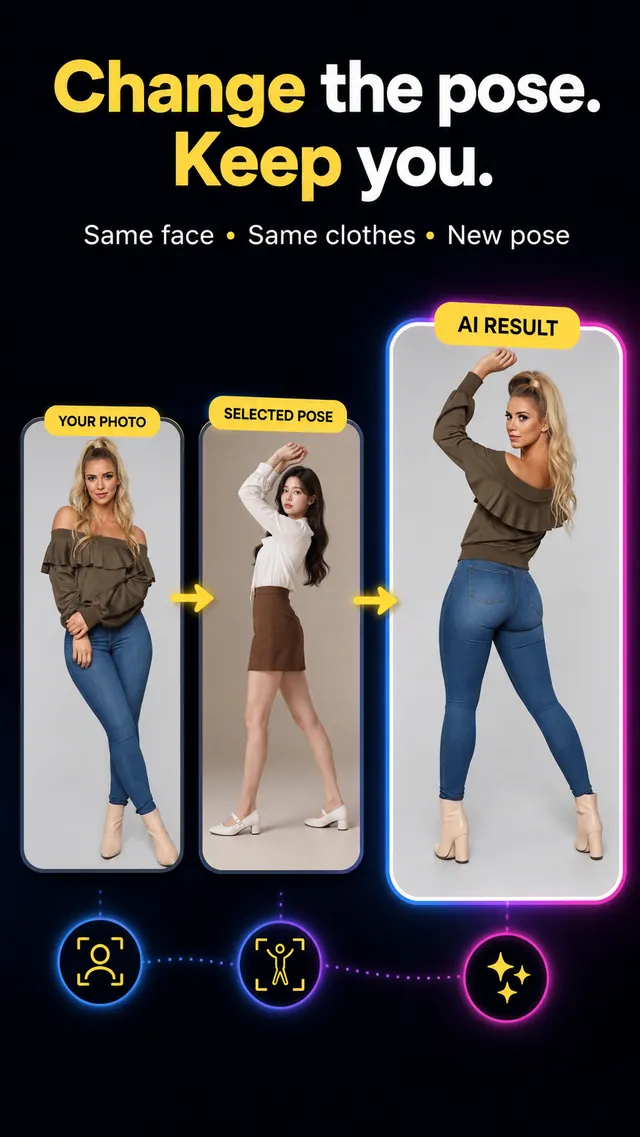
How to change the pose in a photo
-
1
Add your photo
Choose a clear, well-lit, full-body photo of yourself from your gallery.
-
2
Pick or copy a pose
Choose from the pose library, or upload any pose reference photo you want to copy.
-
3
Get your new photo
Save it to your gallery, upscale it, or share it straight to your feed.
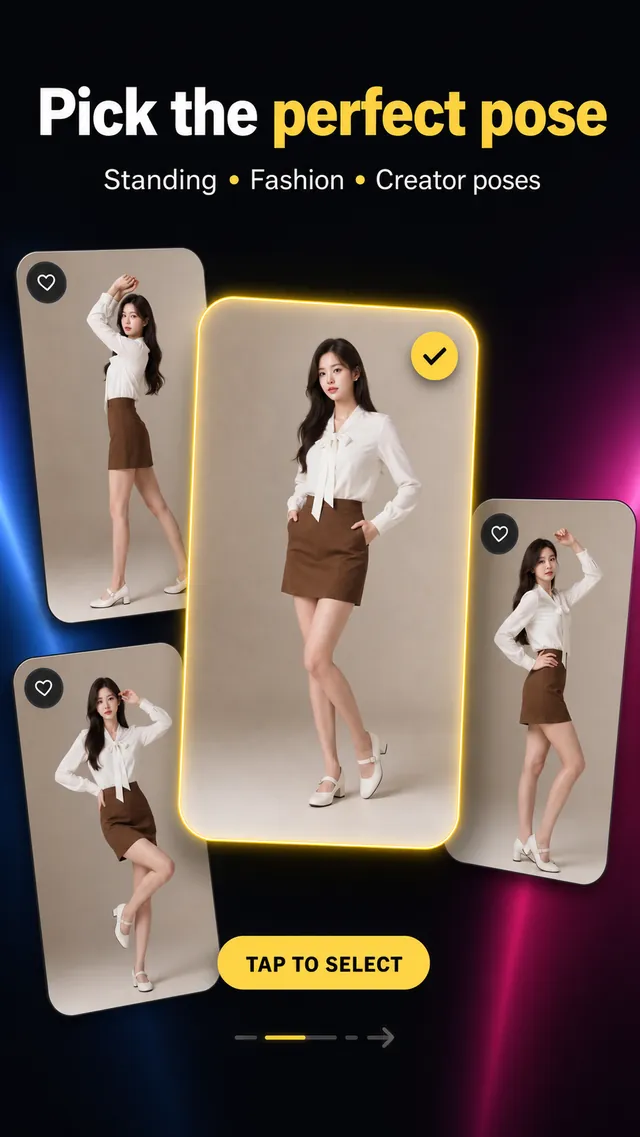
Photo pose ideas
Find the perfect pose
Not sure how to pose? Browse a library of photography pose references for men and women, from fashion, travel and cafe shots to gym and streetwear looks. They're made for Instagram posts, profile pictures and stories.
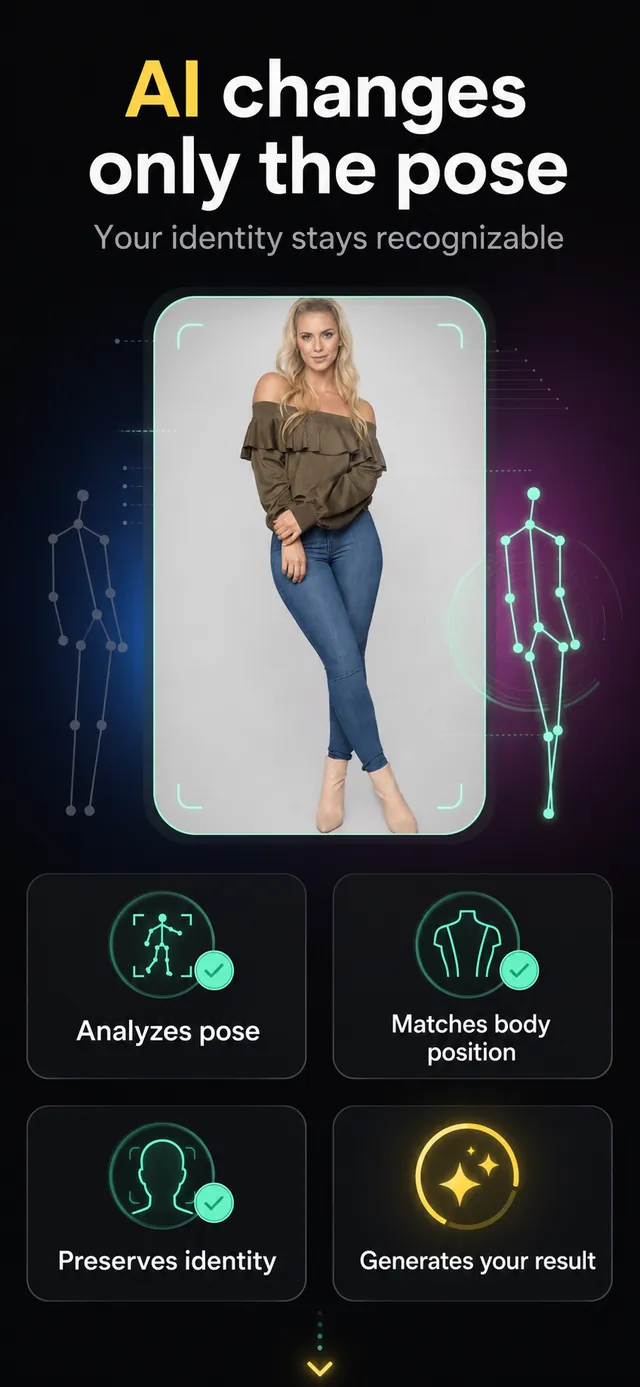
Pose reference · Pose transfer
Copy any pose from a photo
Use any photo as your pose reference. Saw a pose you love on Instagram or Pinterest? Upload it as a reference pose and PoseMaker transfers just the body pose onto you. Your face, your clothes and your background stay yours.
Questions
How do I change the pose in a photo?
Install PoseMaker on Android, add a clear full-body photo of yourself, then pick a pose from the library or upload a photo with the pose you want to copy. The AI creates a new photo of you in that pose.
Can I copy a pose from another photo?
Yes. Use Your Own Pose to upload any pose reference photo, such as a pose idea you saved from Instagram or Pinterest. PoseMaker copies only the body pose onto you and keeps your face and clothes.
Will my face, clothes and background stay the same?
That is what PoseMaker is built for: it changes the body position and keeps your face, outfit and background. Results are best with a recent, well-lit, full-body photo where your face is easy to see.
Is PoseMaker free?
PoseMaker is free to download. New accounts get free credits for a first creation with one of the free poses; free results include a watermark. Credit packs and subscriptions unlock the full pose library, more creations and watermark-free results.
Is PoseMaker a pose reference tool for drawing?
No. PoseMaker is an AI photo app: it changes the pose of a real person in your photo. You can use any pose reference photo as the pose to copy, but the result is a photo of you, not a 3D mannequin or a drawing reference.
Does it work with group photos?
PoseMaker is designed for photos of one person. Group photos and couple poses are not supported yet.
Is PoseMaker available on iPhone?
PoseMaker is on Android today and coming soon to the App Store. Join the waitlist below to get one email when it launches.
iPhone
Coming soon to the App Store
Leave your email and we'll send you one message when PoseMaker launches on iPhone.
On Android? Change your pose now.